Fix CapCut “Too Many People Are Using This Feature” (2026)
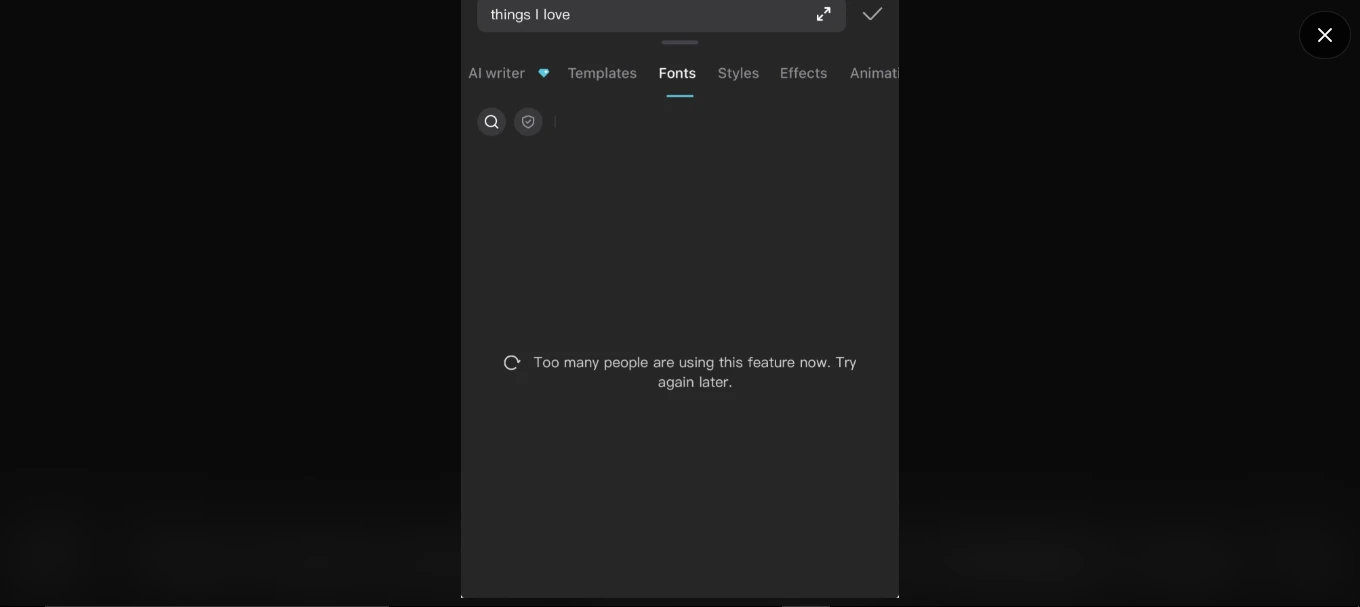
If you hit this message while using a trending template, AI feature, or effect in CapCut:
“Too many people are using this feature now, try again later”
it’s worth knowing upfront: this is almost never your device’s fault. It’s CapCut throttling access to a specific cloud feature under load — but there are two other causes worth ruling out first, because they’re the ones you can actually fix yourself instead of just waiting.
What’s Actually Causing It
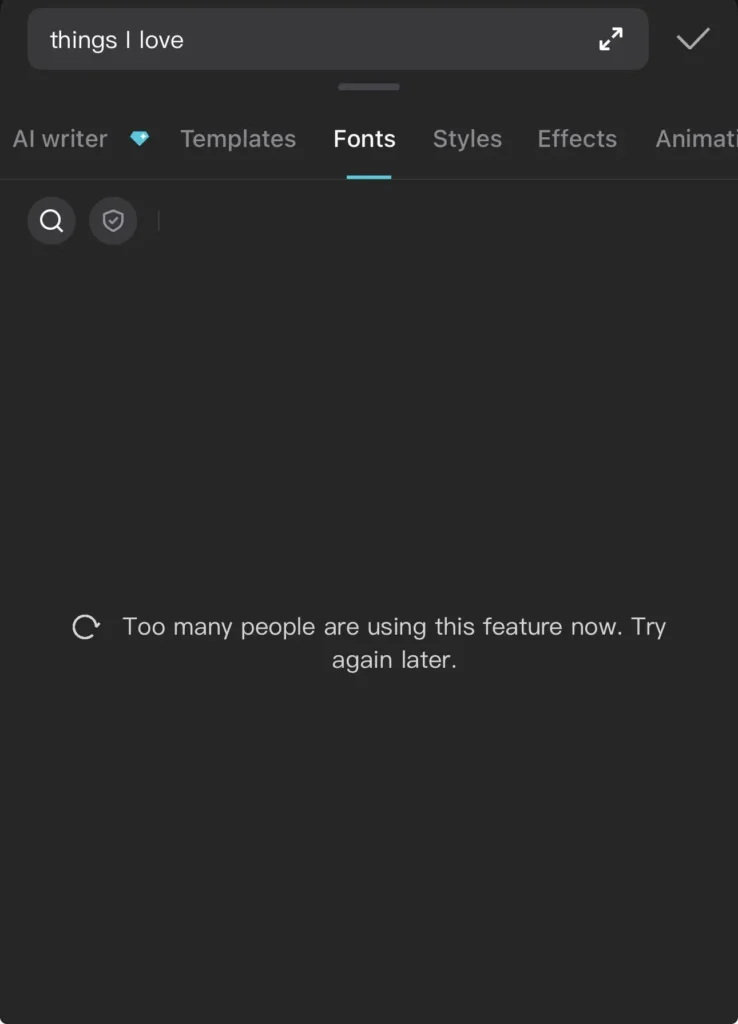
Most common — server-side throttling. Trending AI filters and templates can spike from a few thousand to millions of uses within days. CapCut rate-limits access to that specific feature (not the whole app) to keep it stable. This is why you can usually still use other CapCut features normally while one specific effect throws this error.
Second — your connection, not CapCut’s servers. AI tools, cloud templates, and certain effects require a live round-trip to CapCut’s servers. A dropped or unstable connection produces the exact same error message as server overload, which is why people wrongly assume it’s always “everyone’s using it” when sometimes it’s just their Wi-Fi.
Third — genuinely rare, but real: a stale local cache misreporting feature availability. This is the one worth ruling out last, since clearing data logs you out.
Step-by-Step Fixes
1. Check Your Internet Connection
Skip straight to this before assuming it’s server load — it takes 30 seconds and rules out the fix people usually skip.
- Load any website in your browser to confirm internet is actually working.
- Switch networks — mobile data if you’re on Wi-Fi, or vice versa.
- Toggle Airplane Mode on/off to force a fresh reconnect.
If the effect works immediately after switching networks, it was never a server issue.
Fix #2: If the Feature Is Visibly Trending, Just Wait
This sounds unsatisfying, but it’s the correct fix in the majority of real cases. If the effect just went viral (check TikTok/Instagram for a sudden spike in people using it), CapCut’s throttle will lift as demand normalizes — usually within an hour, sometimes longer for very large spikes.
Off-peak hours in your timezone (early morning, late night) genuinely help here, since server load follows global usage patterns.
Fix #3: Check CapCut’s Own Status Channels
Before troubleshooting your device further, check whether this is a known outage:
- CapCut’s official X/Twitter account for active status posts
- downdetector.com/status/capcut for a real-time outage report
If either shows widespread reports, it’s confirmed server-side and no device fix will help — just wait.
Fix #4: Clear CapCut’s Cache and Data
A buildup of cached data can quietly cause features to misbehave.
On Android: Settings → Apps → CapCut → Storage → tap Clear Cache, then Clear Data.

On iOS: iOS doesn’t allow clearing app cache directly. This is because iOS sandboxes each app’s storage and doesn’t expose a cache-only clear option to users, unlike Android. If the issue persists, delete and reinstall CapCut from the App Store instead.
Note: Clearing data will log you out of CapCut. Make sure you know your login credentials before doing this.
Fix #5: Disable VPN
If the feature you’re trying to use is region-restricted, a VPN can throw this exact same error message instead of a clearer “not available in your region” one. Disable it and retry on your real network.
Fix #6: Update CapCut to the Latest Version
Outdated versions are more prone to bugs, including false “feature unavailable” errors.
- Android: Google Play Store → My apps & games → CapCut → Update
- iOS: App Store → Updates → CapCut → Update
If you’re already on the latest version and still seeing the error, try uninstalling and reinstalling the app to rule out a corrupted install.
Fix #7: Restart Your Device
It sounds basic, but a full restart clears temporary system and network glitches that can interfere with app performance.
Power off your device completely, wait 10-15 seconds, then turn it back on and relaunch CapCut.
Fix #8: Try Again During Off-Peak Hours
If the feature you want is genuinely trending, server congestion may be the real issue — not your device or connection.
Try using CapCut early in the morning or late at night (in your timezone), when fewer users are online competing for the same servers.
Fix #9: Contact CapCut Support
Contact CapCut Support with: a screenshot of the exact error, the specific feature name, your device model and app version, and steps to reproduce it. This is the one case where the error might be a real bug rather than load or connection — support needs those specifics to tell the difference.
Projects note: cloud-synced projects aren’t affected by any of the fixes above. Locally saved, unsynced drafts can be lost on reinstall — back those up first if you’re going the reinstall route.
Frequently Asked Questions
Is this error permanent? No. It’s almost always temporary and tied to server load or a connection issue. Most users resolve it within minutes using the steps above.
Why does this happen mostly with trending effects or templates? Viral features get sudden, massive spikes in usage. CapCut’s servers throttle access to these specific features to keep the app stable for everyone, which is what triggers this message.
Does reinstalling CapCut delete my projects? Projects saved to your account (cloud-synced) should remain accessible after reinstalling. Locally saved, unsynced drafts may be lost — back up important projects before reinstalling if possible.
Will using a VPN help me access a region-locked feature? It might unlock the feature, but it can also trigger access errors or violate CapCut’s terms of service, depending on the feature. Proceed with caution.
Final Takeaway
The “Too many people are using this feature now try again later” error on CapCut is usually a server-side traffic issue, not a sign that something is broken on your device. Start with the internet and cache checks, keep the app updated, and if a feature is clearly trending, simply try again during a quieter time of day. If the problem continues despite all of this, CapCut’s support team is your best next step.