
🎯 What People Mean by “Over-Promising and Under-Delivering”
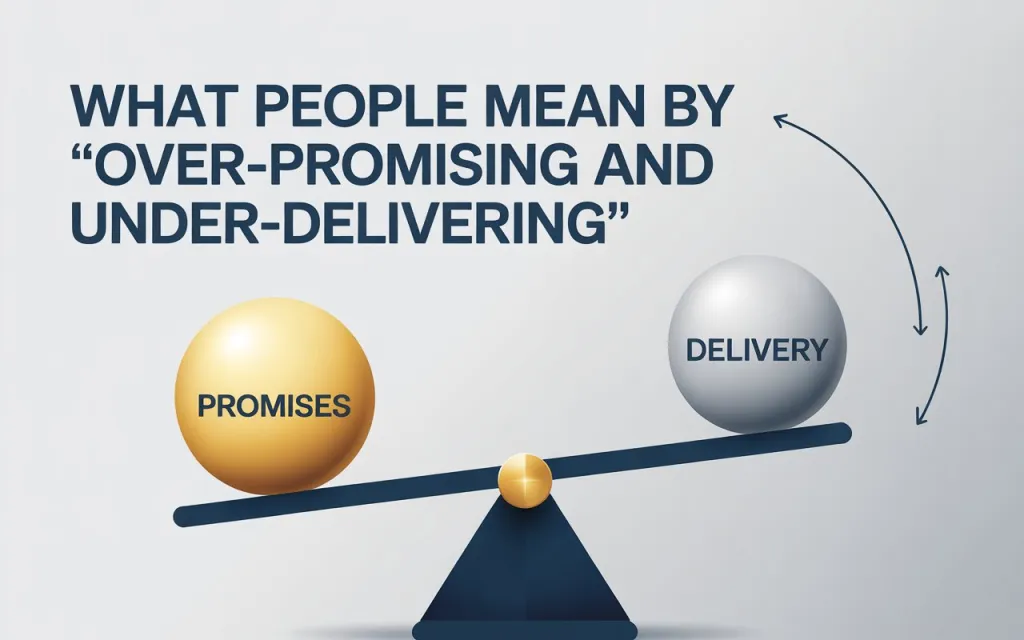
When critics say CapCut over-promises and under-delivers, they refer to a pattern where the app’s marketing, reputation, or interface suggests a powerful, mostly-free video editor — but the real user experience, especially after recent changes, fails to live up to that promise.
Specifically:
- The app is advertised as “free to download / free to use,” but many core tools, effects, and export options are locked behind paywalls.
- Users may invest time editing a video, only to find that exporting or using certain features requires payment — even if those features once were free.
- Paying users sometimes experience bugs, restricted functionality, or unexpected limitations anyway.
- The gap between what’s promised (free, easy editing with all features) and what is delivered (limited, pay-locked, glitchy or unstable performance) leads to frustration, especially for hobbyists, casual creators, or those on tight budgets.
CapCut Bugs Increase After New Updates — Causes, Problems, and Fixes
❗ What Users Are Complaining About — Real Examples
Many recent user reviews and community posts highlight a variety of problems that reflect this over-promise / under-deliver pattern:
- One user wrote: “About 95% of the effects, transitions, and other features are now Pro. Even some sound effects are Pro. The app is pretty much unusable at this point for free users.”
- Others report that even after paying for “Pro,” essential functions — export, certain effects, templates — remain locked or buggy.
- Some say the app became “completely useless” for free-users after successive updates: simple edits now trigger paywalls, export fails, or the app becomes sluggish.
- There are frequent complaints about unexpected subscription charges, difficulty cancelling, or poor refund/ support handling — which increases disillusionment among paying users.
In summary: many feel that CapCut’s “free & powerful editing tool” identity has eroded — replaced by a monetization-first model that restricts creativity unless you pay.
🔍 Why This Mismatch (What Went Wrong Under the Hood)
Here are some underlying causes and dynamics that contribute to the over-promise / under-deliver experience with CapCut:
- Aggressive monetization shift: Over time, what used to be free — filters, effects, export options — are gradually moved to “Pro only.” This changes the value proposition drastically.
- Paywall layering even for basic functionality: Exporting video, removing watermark, high-quality output, and even some basic editing tools are now tied to subscription, making the free version far less useful.
- Buggy performance, even for paid features: Even with subscription, some users report crashes, glitches, black frames, or export failures — making the “premium” experience unreliable.
- Lack of transparency / unclear limitations: The free-versus-paid boundary is often unclear until you actually try an effect or export — a “bait-and-switch” feeling for many.
- Customer-support & billing issues: Complaints about unexpected charges, difficulty cancelling subscriptions, unresponsive support, and missing payment confirmations — undermining user trust.
✅ What This Means for You — What to Watch Out For if You Use CapCut
If you use CapCut (or plan to), here’s what to keep in mind — and how to guard against disappointment:
- Treat CapCut as “freemium with heavy limitations”, not a fully free editor — assume many good-looking effects / options will require payment.
- Before you start a serious editing project, test whether all needed features (export, effects, resolution, watermark-free export) work on your account/version.
- Avoid investing too much time or content until you confirm export works — don’t build a long video expecting free export, only to hit a paywall at the end.
- Keep evidence of pricing / subscription / trial context — screenshot or note what features were promised, especially if you pay — in case you seek refund or customer support later.
- Have backup editing tools ready, especially for important or frequent projects — don’t rely solely on CapCut if you need stability and access.
- Consider cost vs benefit: weigh how often you’ll realistically use “premium” features and whether a monthly/annual subscription is worth it — many casual users might find it excessive.
🎬 My View: Is CapCut Still Worth It?
CapCut remains useful — especially for quick rough edits, short clips, or simple video work where high-end effects aren’t needed. But if you expect full-fledged video editing power (4K/60fps, many effects, multiple layers, watermark-free export) for free, you’ll likely be disappointed.
In its current state, CapCut feels more like a “paid video-editing subscription disguised as free app” — which can be fine if you’re aware of the limitations. But expecting the old “free & powerful CapCut” experience is increasingly unrealistic.


