
CapCut Account Suspended: How to Recover & Fix Fast (2026)
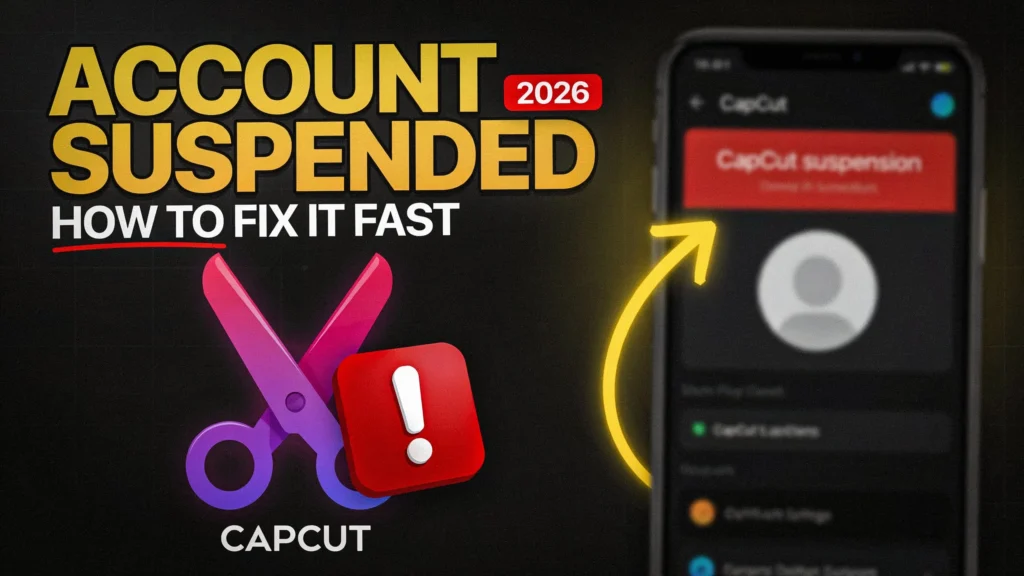
A suspended CapCut account is stressful especially with active projects or a paid subscription attached, but there’s a clear, verified path to recovery — and knowing which channel actually works fastest matters more than sending the same appeal to five different places.
Why Accounts Get Suspended
- Terms of Service or Community Guidelines violations — age restrictions, copyright issues, or flagged content.
- Security flags — suspicious login activity or repeated failed login attempts.
- Linked account issues — most commonly a problem with a linked TikTok login, since many CapCut accounts are tied to TikTok authentication.
Knowing which of these applies to you shapes which fix is actually relevant — a TikTok-linked suspension needs a different first step than a content-flag suspension.
Step 1: Confirm What Actually Happened
Screenshot the exact suspension message before doing anything else, and check your email (including spam) for any notice from CapCut explaining the reason. This matters for your appeal — a specific, accurate description of what you were told gets a more useful response than a generic “please help.”
Step 2: Check Whether It’s Actually a TikTok Issue First
If your CapCut account is linked to TikTok, a suspended or logged-out TikTok account can cascade into CapCut access being blocked too. Check this before filing a full appeal — if restoring TikTok access resolves it, you can skip the CapCut appeal process entirely.
Step 3: Use CapCut’s In-App Appeal (Fastest Official Channel)
- Open CapCut → Settings → Help & Support → Report a Problem.
- Select “Account Suspended” or the closest matching category.
- Attach your screenshot from Step 1.
- Write a clear, factual, polite message: what happened, when, and that you’re requesting a review — avoid over-explaining or being defensive, since support is reviewing many similar requests.
This channel automatically attaches account logs, which generally helps support process the request faster than email alone.
Step 4: Email Support Directly If Needed
capcut.support@bytedance.com — this is CapCut’s own confirmed channel specifically for account access issues (CapCut’s official account has directed suspended users here directly). Include your account username/email, the screenshot, your device and app version, and a clear, factual description. Typical response time is reported around 24-72 hours, though this can vary.
Step 5: Don’t Trust Unofficial Phone Numbers
CapCut does not publish an official customer service phone number. Any number claiming to be CapCut support found through a general web search is very likely fraudulent — the in-app appeal and the email above are the only channels confirmed directly by CapCut. Don’t share account credentials or payment details with anyone claiming to be CapCut support over phone or in an unsolicited message.
Step 6: Follow Up With Patience, Not Persistence
If you haven’t heard back, wait at least 48-72 hours before a single polite follow-up. Sending multiple emails in quick succession doesn’t speed things up — it typically pushes your case further back in the queue, since it can look like ticket spam to a support system rather than genuine follow-up.
If You Had Paid Pro Features on the Suspended Account
You may be eligible for a refund if paid features are now inaccessible:
- Apple purchases go through Apple’s own refund process, not CapCut directly — CapCut can’t refund an App Store transaction on their end.
- Non-Apple purchases can be refunded via the same CapCut support email above — include proof of payment and mention the suspension explicitly as the reason.
What Actually Helps a Suspension Appeal
Age-verification-related suspensions sometimes require ID verification to resolve — this is a real, if less common, path worth knowing about if that’s the flagged reason. Beyond that, clear factual communication and reasonable patience matter more than volume of contact attempts — repeated, escalating messages tend to slow things down, not speed them up.
Last confirmed: [aug/2026]. Support channels and response times can change — confirm the current official contact method via CapCut’s own help center or verified social accounts if this guide is more than a few months old.


